
upload a pdf and jungle turns it into clear study notes: the main ideas, definitions and steps, organised under headings you can read in minutes. then it helps you remember them.
how to turn your pdfs into study notes
upload your pdf documents
upload a pdf of your lecture slides, a textbook chapter, a research paper or a study guide. powerpoint and word files, audio, video and links work too.
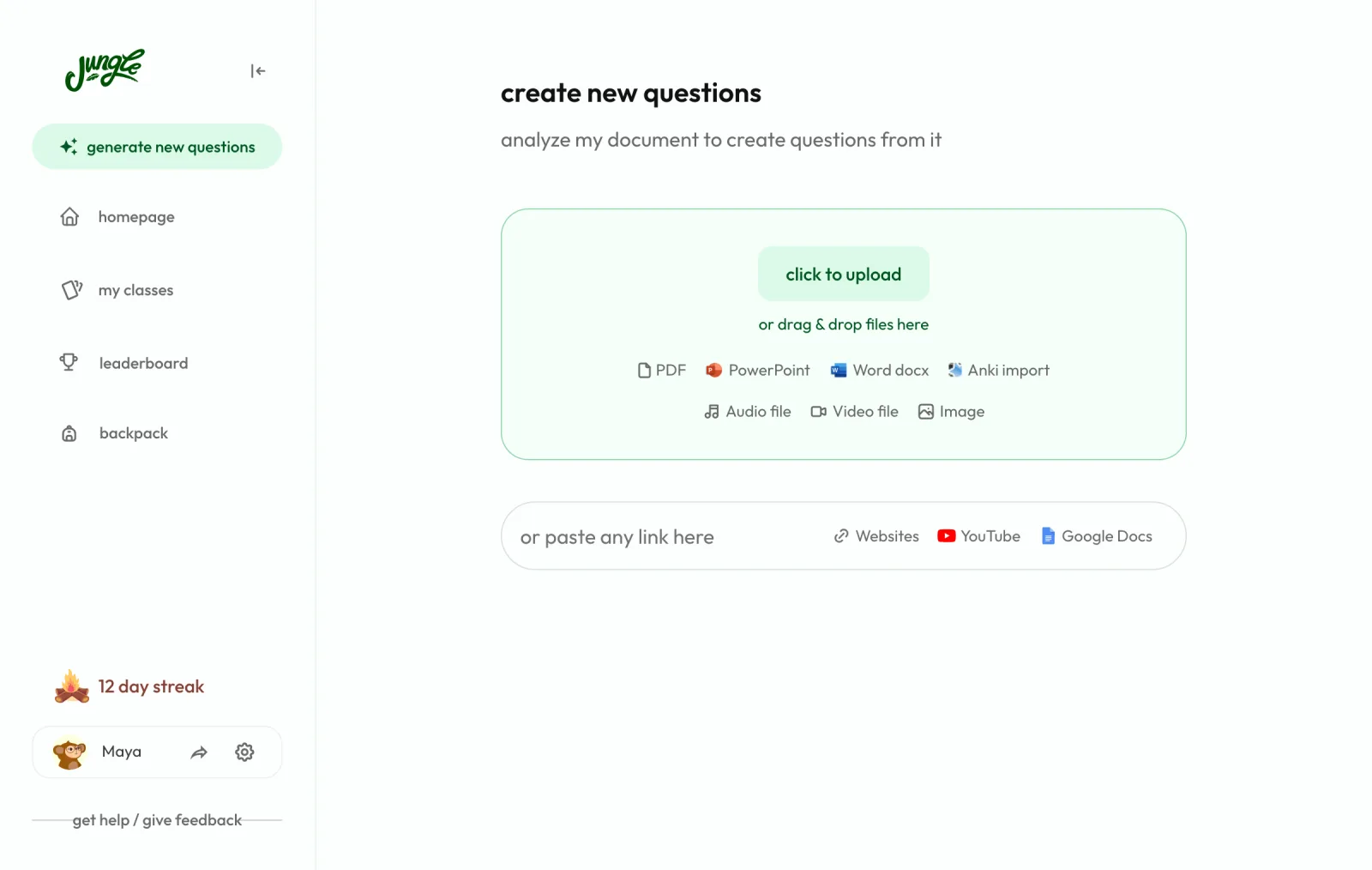
let jungle analyze and extract key information
jungle's ai reads the whole pdf and picks out the important concepts, definitions and main ideas. it organises them into concise notes with headings, bullet points and tables, written from your document.
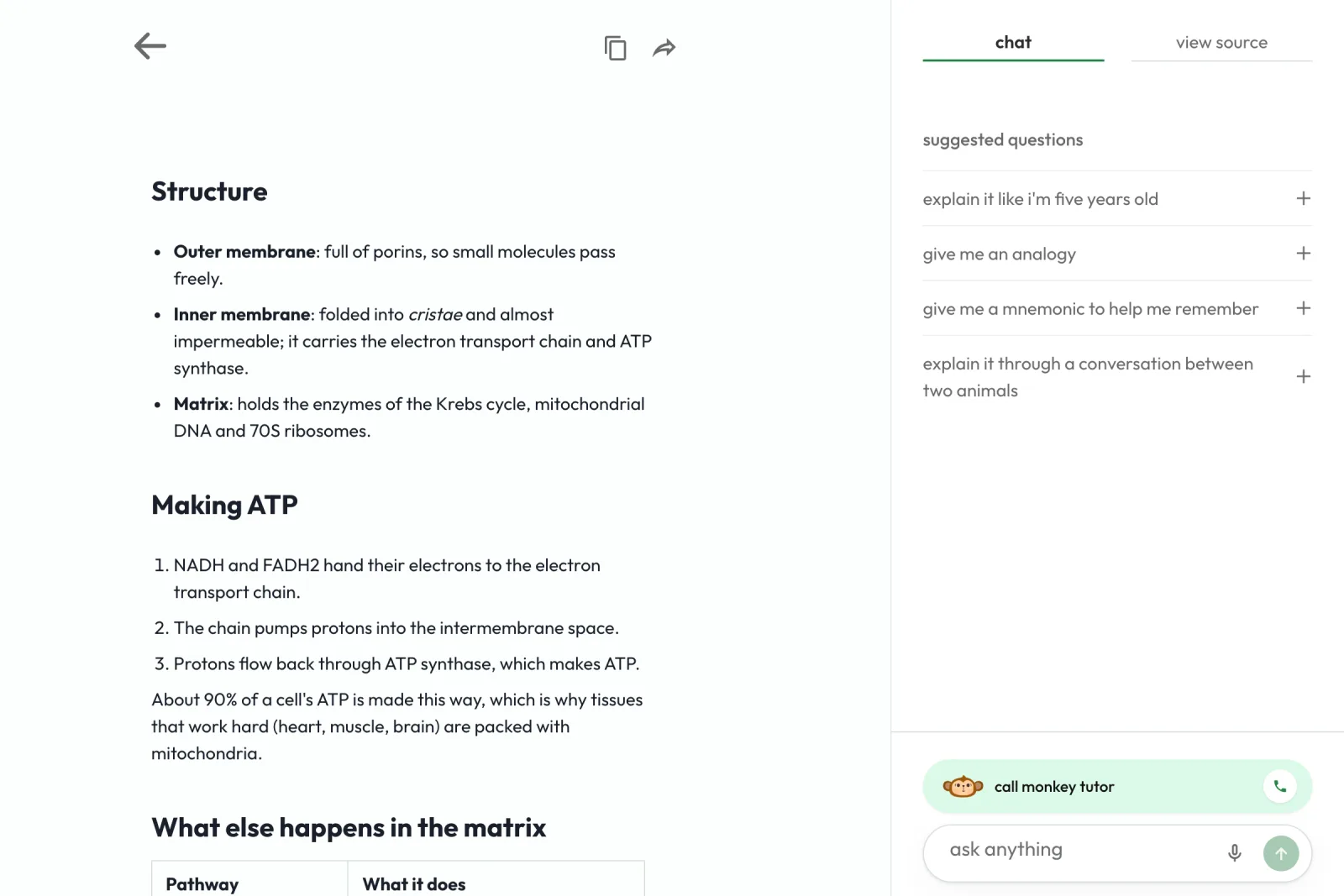
review and customize your generated notes
read your notes in jungle, copy them into your own document or share them with a classmate. open the source next to the notes to check where something came from.
notes are only the first step
ask your notes anything. a chat sits beside your notes, with suggestions like explain it like i'm five, give me an analogy and give me a mnemonic.
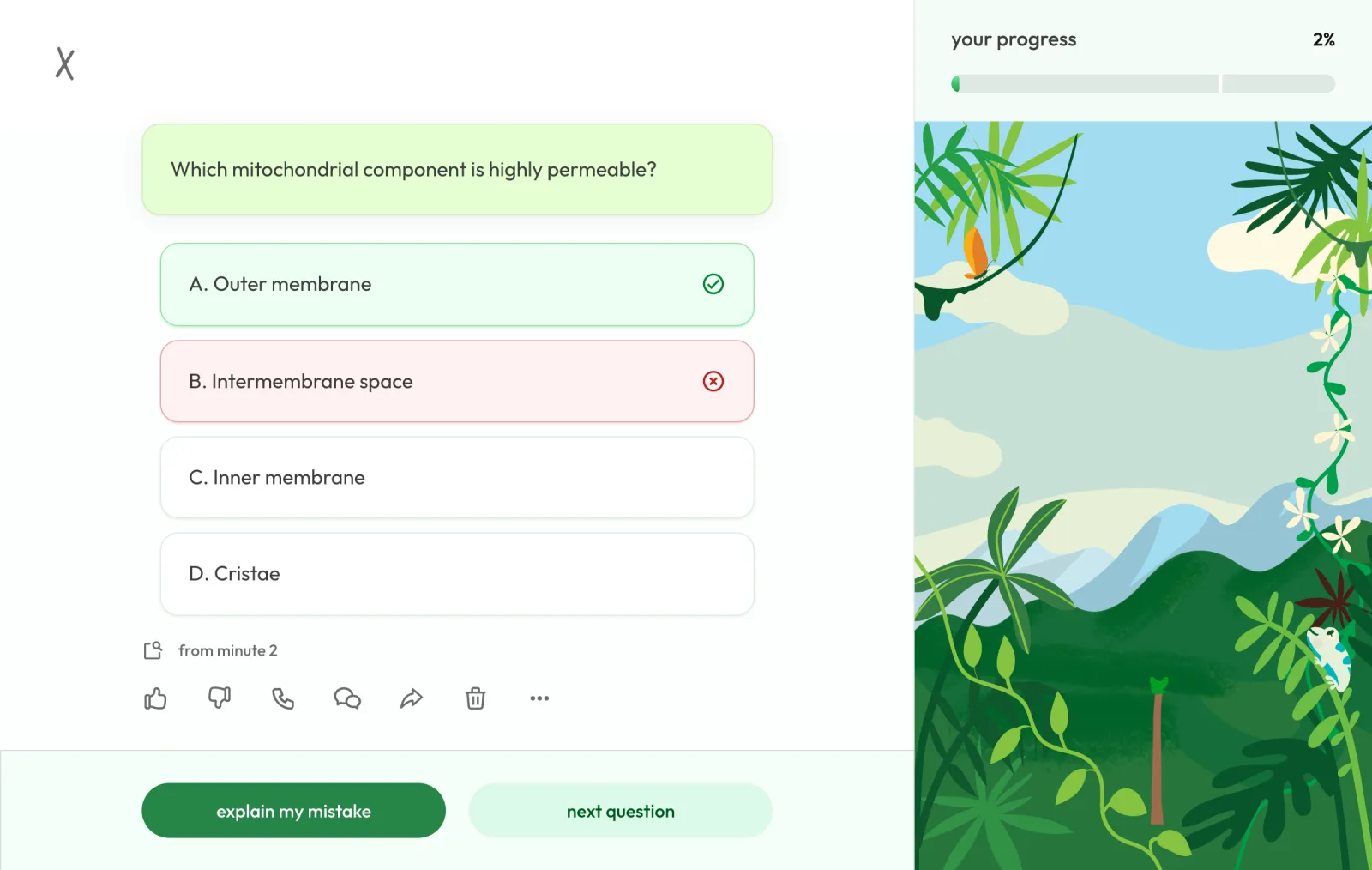
turn the same pdf into questions. jungle writes multiple choice, free response and case questions from the pdf, so you test yourself instead of rereading. you can build a full practice exam from it.
get an explanation when you miss one. each answer comes with the reason and the page of the pdf it came from. the free plan includes a limited number of explanations each hour; paid plans have no limit.
keep it in your head. a daily review brings back what you are about to forget, and you can talk the notes through with the monkey voice tutor.