
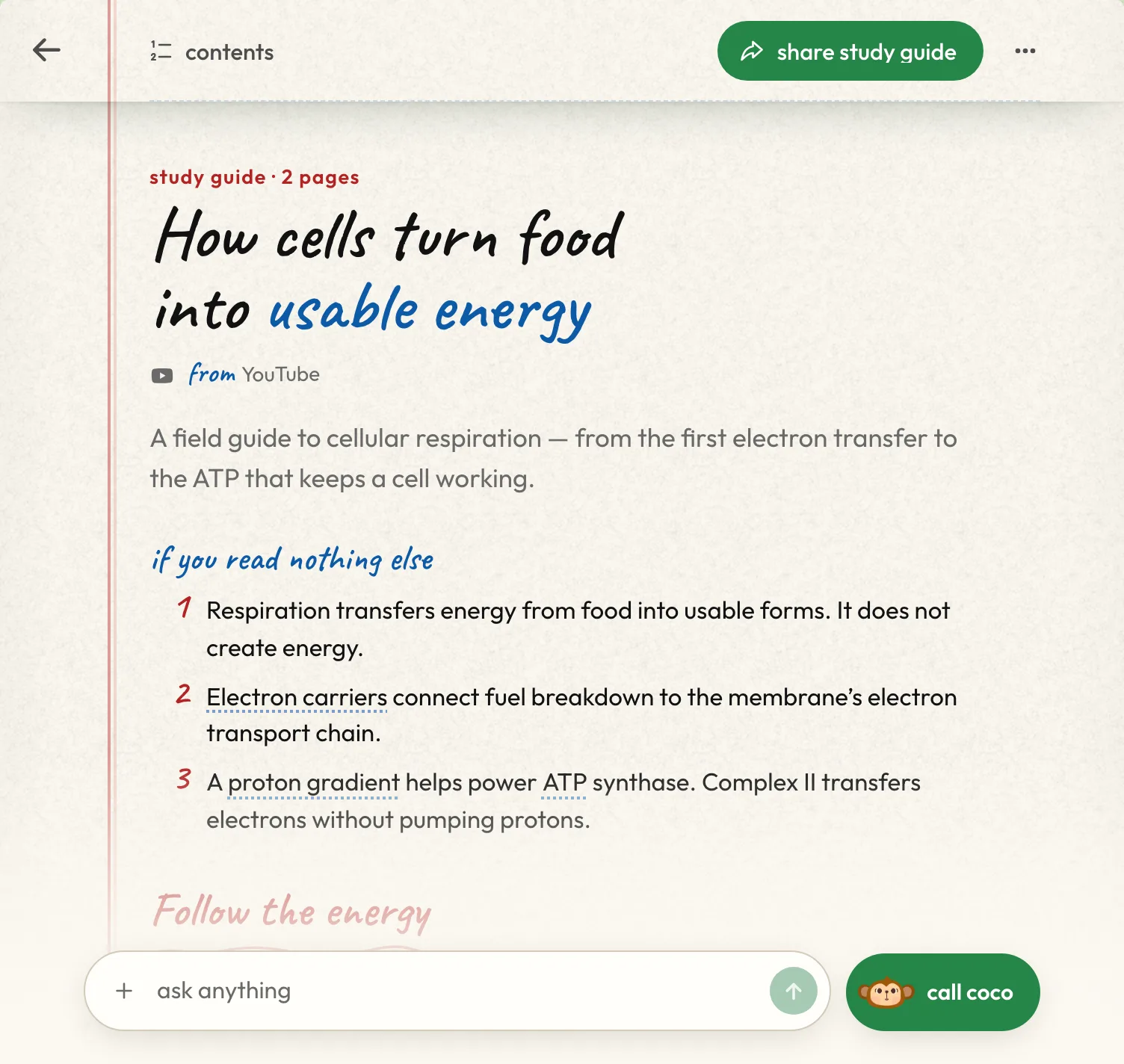



A good study guide takes hours to make: you reread the slides, decide what matters, redraw the diagrams and write out the terms. Jungle's AI study guide maker does that part from your own material. Upload a lecture deck, a textbook chapter or a video, and you get a study guide that teaches the topic one idea at a time, in the order your material builds it, with practice questions at the end.
How to make a study guide with AI
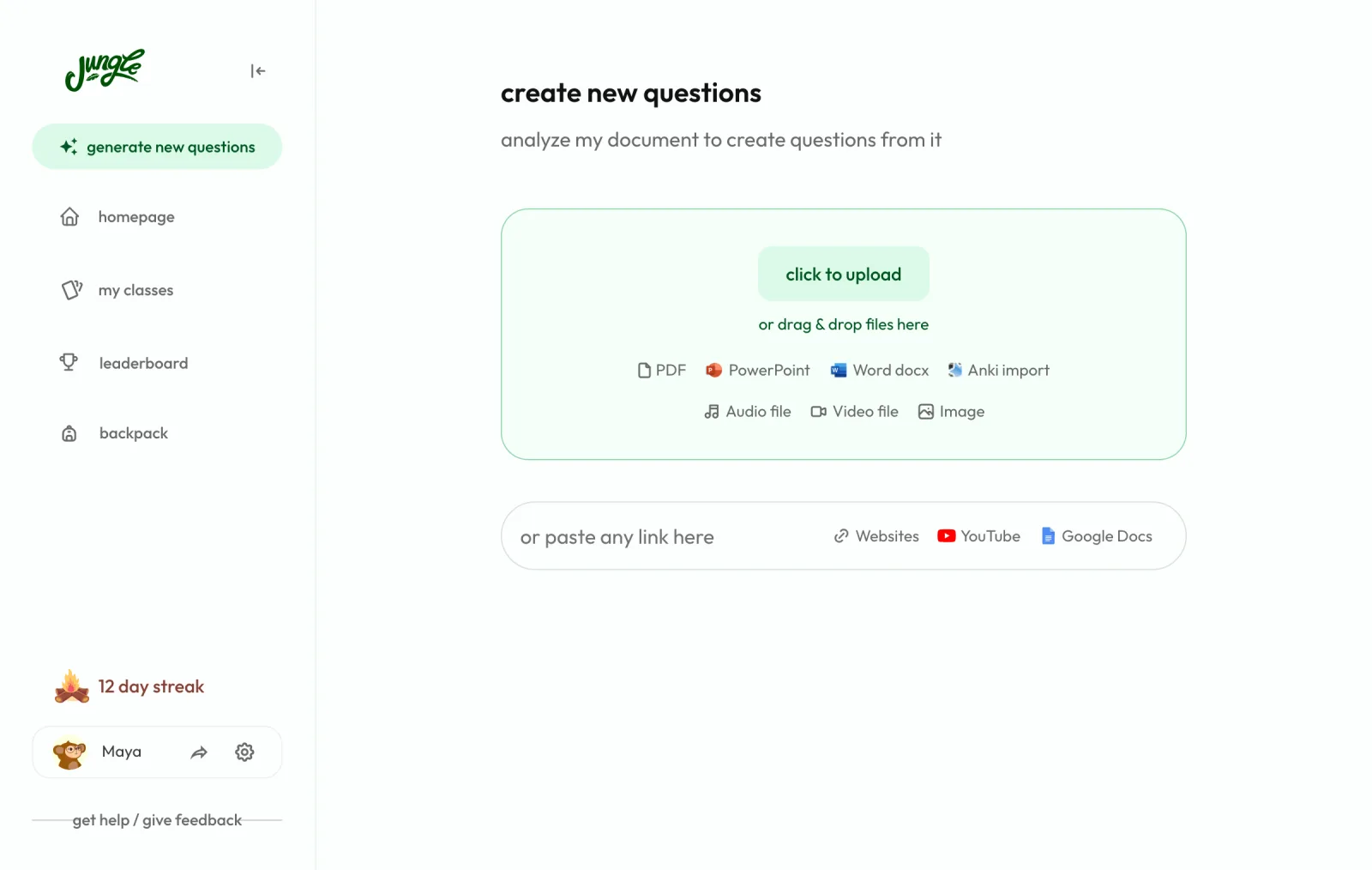
1. Upload your material
Upload a PDF, a PowerPoint or Word file, a recorded lecture as an audio or video file, or paste a link to a YouTube video or a web page. Every new set you make from your material comes with a study guide, written from that material.
2. Jungle writes your study guide
The guide opens with "if you read nothing else": the few points to remember if you only have five minutes. Then it works through the topic in short sections, each with one key idea that builds on the section before it. A process can become a chain of steps, and each section points back to where it came from in your material: the page of a PDF or the minute of a video.
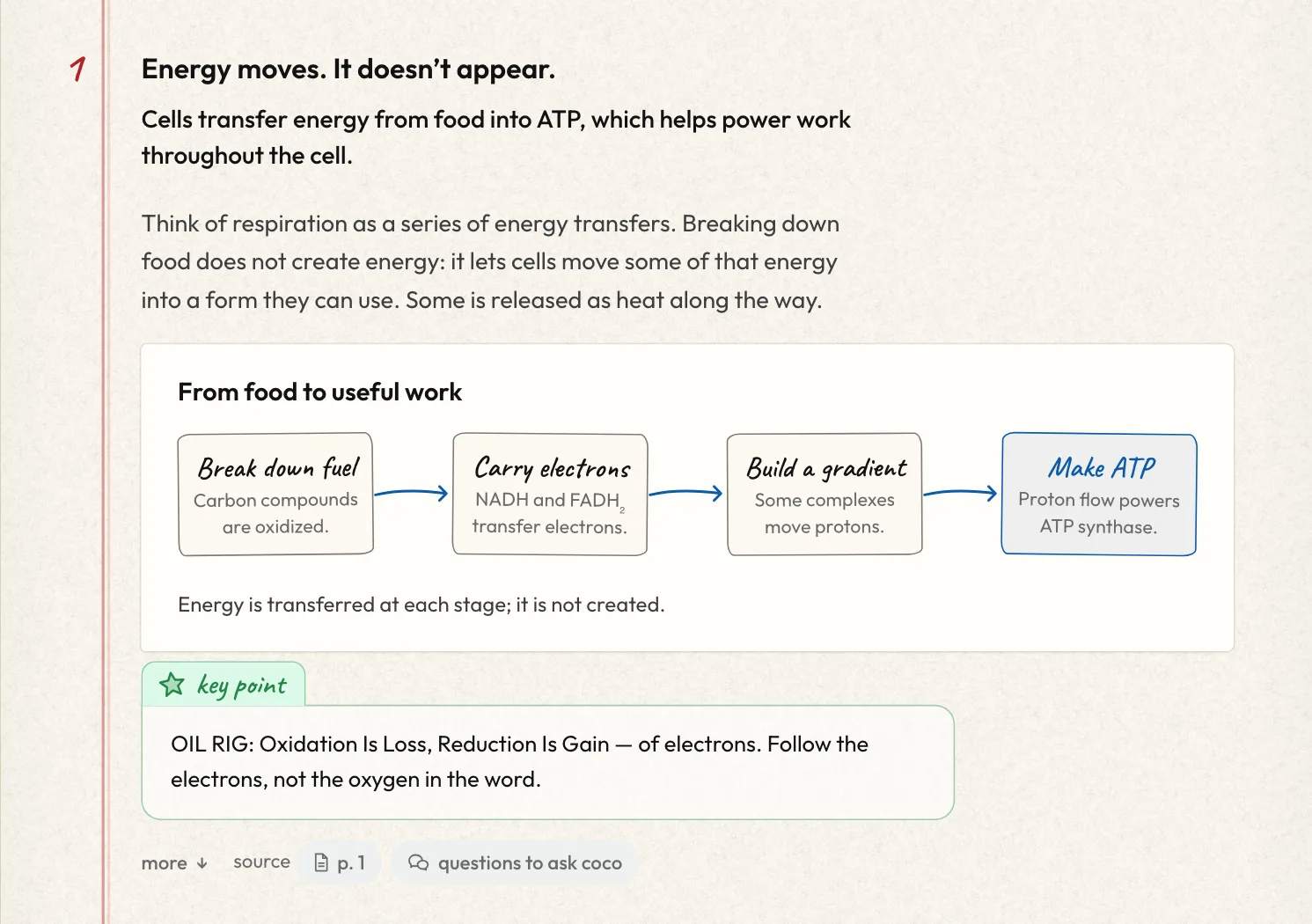
Every sentence, table cell and picture label is checked against the part of your material it came from, and anything the check can't back up is rewritten or left out. The guide is written in the language you choose for your questions, even when your material is in another language.
3. Read it, ask about it, test yourself
Read the guide on the web or in the iPhone and Android apps. Ask about anything you don't follow, then answer the practice questions Jungle wrote from the same material.
What's inside a Jungle study guide
A study guide in Jungle looks like a page from a good notebook: a handwritten title, washi tape on the pictures and pen marks where they help. Depending on your material, a guide includes:
- If you read nothing else: the main points, up front.
- Step-by-step chains for processes and cycles.
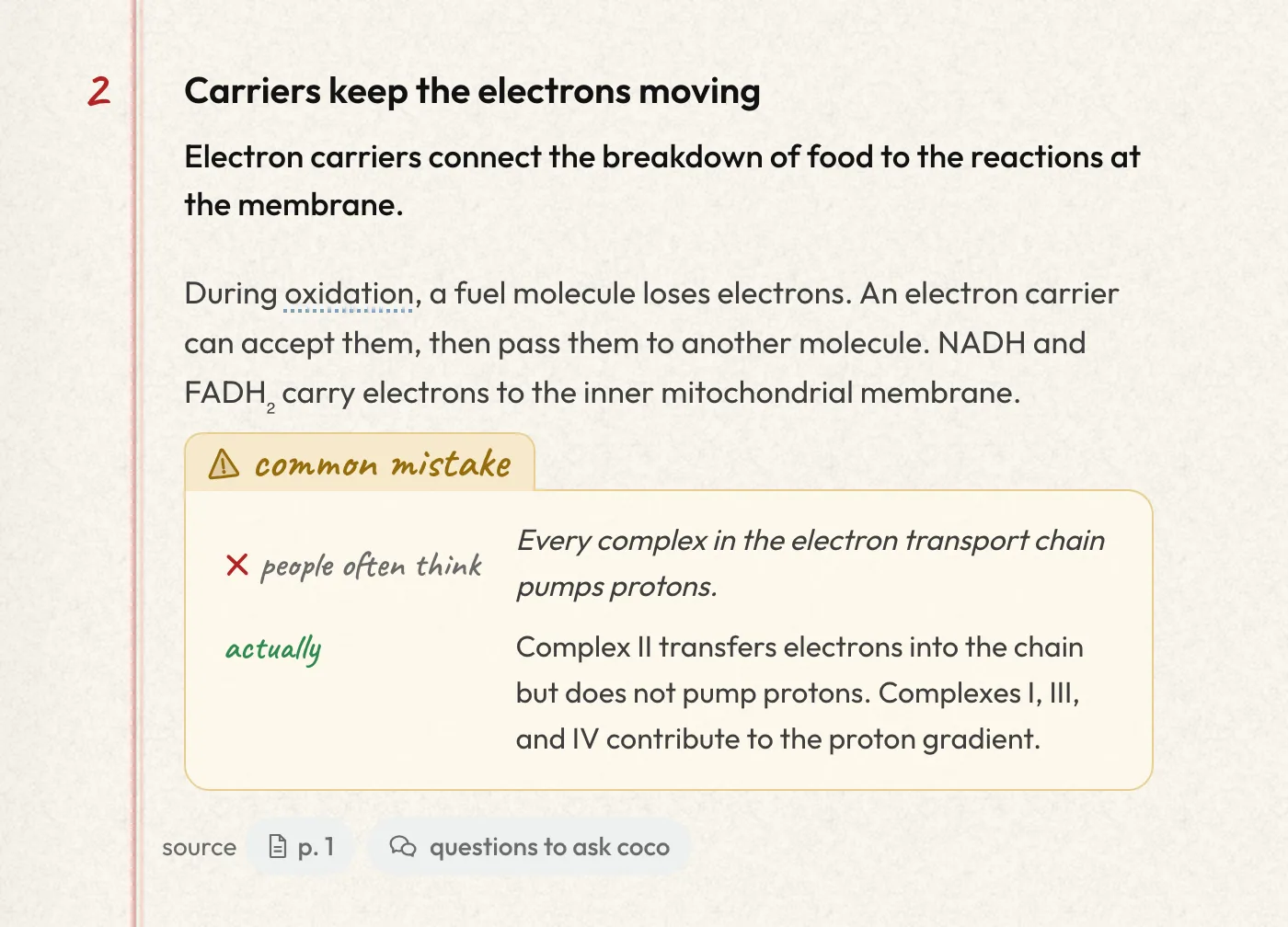
- Common mistakes: what people often think, and what is actually true.
- Words to know: the key terms with short definitions. Underlined words in the text show their definition when you tap them.
- Pictures and diagrams that show what the text explains, with a caption.
- Comparison tables for ideas that are easy to mix up.
- In the real world: an example of where the idea shows up.
- Ways to remember: mnemonics and memory aids, collected at the end.
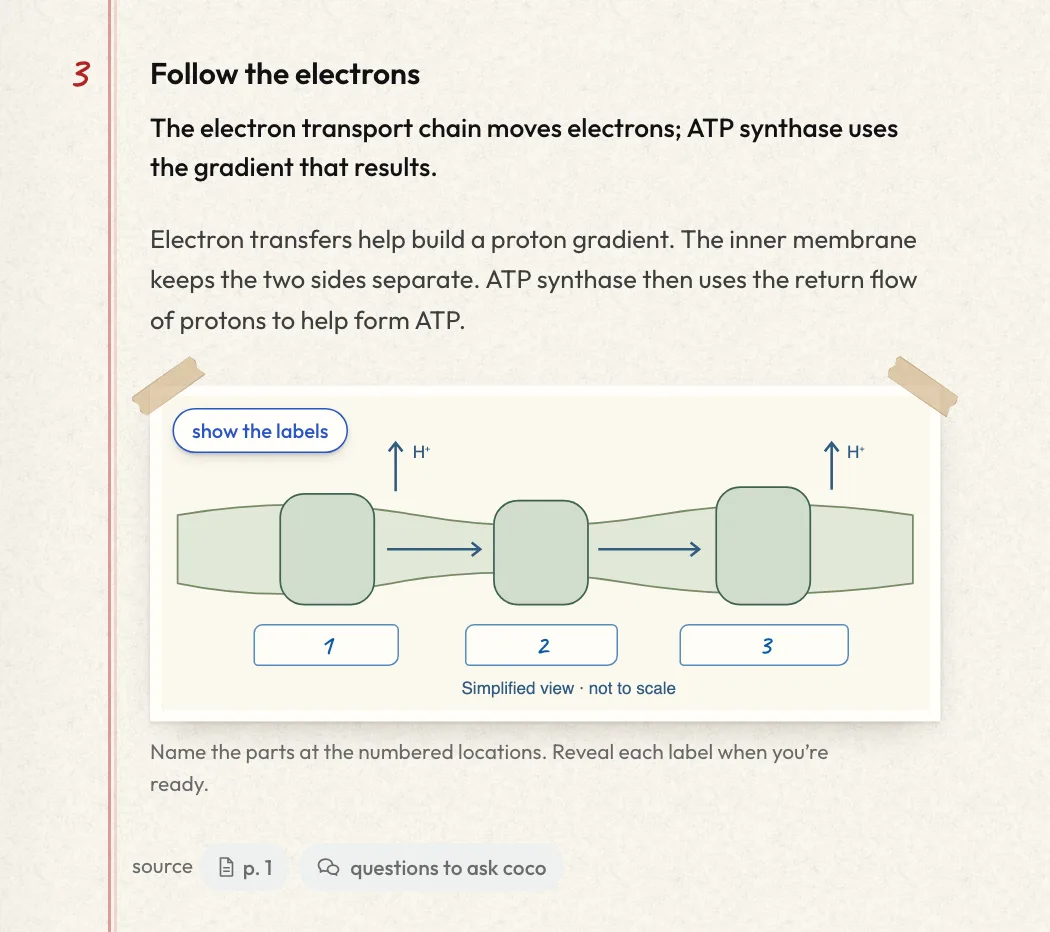
Label quizzes on the pictures
When a picture has labels, a small "test me" button hides them and numbers the parts, so you can name each one before you reveal it: practice for the diagrams you will have to label on an exam.
Ask about any line
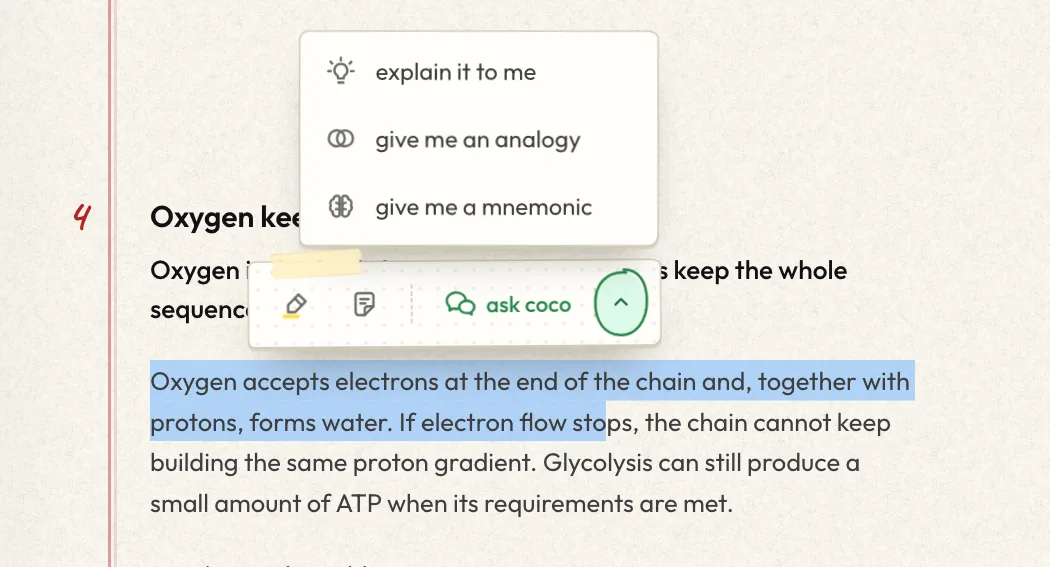
Select a sentence in your study guide and ask coco, Jungle's tutor, about it, or pick explain it to me, give me an analogy or give me a mnemonic. You can also highlight the line or add a note. Pictures, tables and step chains can be sent to the chat too. Each section ends with suggested questions to ask, and the box at the bottom of the guide takes any question you have.
Rather talk it through? Press call coco for a voice call about the guide. Elite includes unlimited calls; the other plans include a limited number each week.
Then test what you learned
Reading a study guide feels like learning; answering questions is how you find out. The guide ends with "ready to test what you learned?", which opens the practice questions Jungle wrote from the same material. Ask Jungle to explain any answer you get wrong, and the questions you miss come back in your daily review until you know them. To turn your material into a full test, see the practice exam generator.
Share it or save it as a PDF
Press share study guide to send it by link, WhatsApp, email or Messages. Anyone with the link can read it without an account, and a classmate with a Jungle account can save it to one of their classes. To study on paper, download your study guide as a PDF.
What to upload for the best study guide
- A whole lecture or chapter, not a single slide: the guide is built to explain how the ideas connect.
- PDFs with real text work best. Scans work when the text is clear.
- Slides with diagrams: pictures from your PDF can become the guide's pictures, and a labeled diagram can become a label quiz.
- Long documents and videos: the free plan has a page limit per document and a length limit per video; paid plans take longer ones. See pricing.
Frequently asked questions
Is the AI study guide maker free?
Yes, you can start free, with no ads. Every new set you make comes with a study guide, on the free plan too. The free plan includes a set number of new generations each month; paid plans have unlimited generations on longer documents. See pricing.
What can I make a study guide from?
PDFs, PowerPoint and Word files, recorded lectures (audio or video files), YouTube videos and web pages.
How is a study guide different from a summary?
A summary shortens your material. A Jungle study guide teaches it: one idea at a time, in an order where each section builds on the last, with pictures, common mistakes, key terms and memory aids, and practice questions at the end. If you want plain notes instead, see how to turn PDFs into notes.
Can I trust what's in my study guide?
Every sentence, table cell and picture label is checked against the part of your material it came from, and anything that can't be backed up is rewritten or left out. Sections point to the page or minute of your material they came from, so you can check them yourself.
What language is the study guide written in?
The language you choose for your questions, even when your material is in another language.
Can I share my study guide or print it?
Yes. Share it with a link that anyone can open, or download it as a PDF.
Does it work on my phone?
Yes. Study guides open on the web and in the Jungle apps for iPhone and Android.
Can Jungle make a study guide from a lecture recording?
Yes. Upload the recording as an audio or video file, or paste a YouTube link. See also how to turn lectures into notes.