
A reviewer is the study material you make before an exam: a short version of the lessons, plus questions to test yourself. Students in the Philippines make one for almost every long quiz, prelim, midterm and final, and for board exams after graduation.
A good reviewer takes hours to make by hand. This guide shows what a reviewer should contain, how to make one from your teacher's PowerPoint or a PDF in a few minutes with AI, and how to study it so it actually helps on exam day.
Table of Contents
- What a good reviewer contains
- How to make a reviewer by hand
- How to make a reviewer from a PPT or PDF with AI
- How to study your reviewer
- Frequently asked questions
What a good reviewer contains
A reviewer is not a copy of your notes. It has two parts:
- A summary of each lesson. The key terms, definitions, steps and lists your teacher emphasized, in a page or two per lesson instead of fifty slides.
- Practice questions. Questions in the format of your exam: multiple choice, true or false, identification, enumeration or essay. This is the part that makes a reviewer work, because answering a question shows you what you actually remember.
Most students make only the first part and reread it. Rereading feels productive, but you only find out what you forgot when the real exam asks.
How to make a reviewer by hand
If you prefer to write it yourself:
- Collect your materials. The slides, handouts and notes the exam covers. Ask your teacher which lessons are included.
- Summarize each lesson on one page. Write the terms and definitions in your own words. Use tables for things you need to compare.
- Write questions as you go. For each heading in the slides, write two or three questions and put the answers at the end, not next to the question.
- Mark what you get wrong. Answer your questions a day later and highlight the ones you missed. Those are what you review next.
Writing it yourself helps you learn, but it takes a long time, and the questions you write tend to be the easy ones you already know.
How to make a reviewer from a PPT or PDF with AI
Jungle is an AI reviewer maker: it reads your teacher's materials and writes both parts of the reviewer for you.
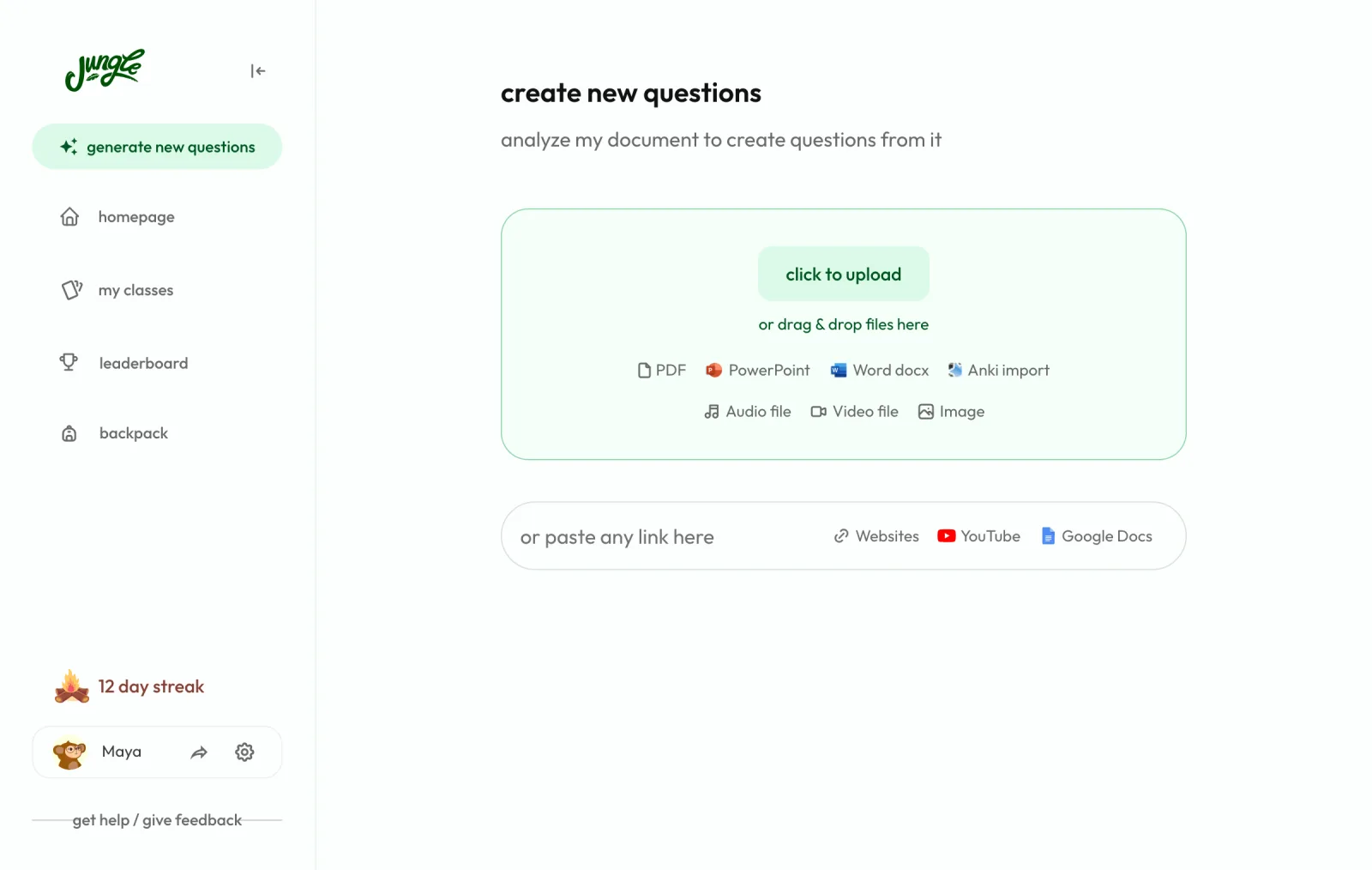
1. Upload your material. Upload the PowerPoint (.ppt or .pptx), PDF, Word file or photos of your handouts, or paste a link to a YouTube video or web page. Jungle reads it so every question comes from your lessons.
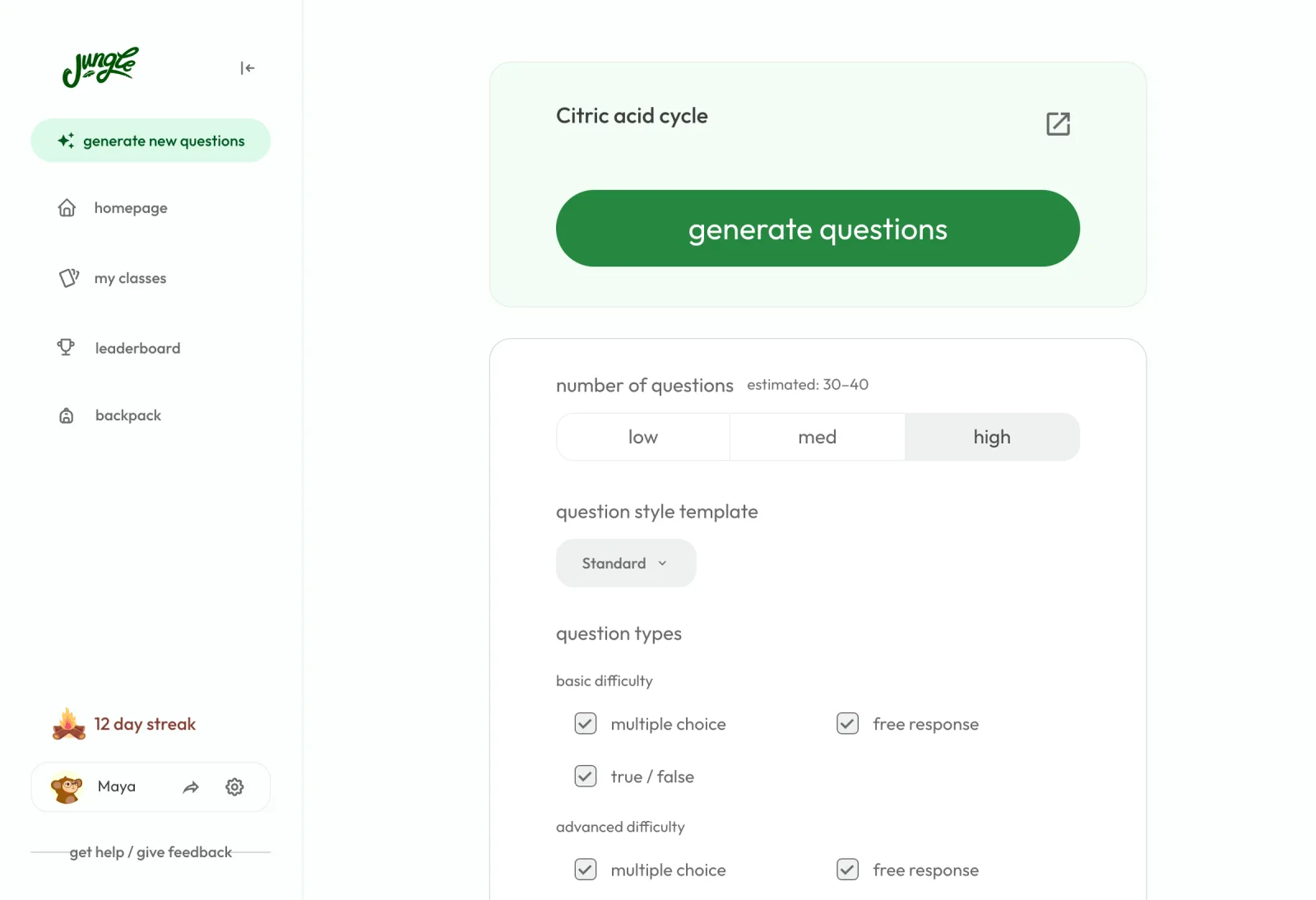
2. Choose your question types. Select multiple choice, true / false, free response or case questions, at basic or advanced difficulty, and how many questions you want. You can also choose the language of the questions, so a reviewer can be in English or Tagalog whatever language the slides are in.
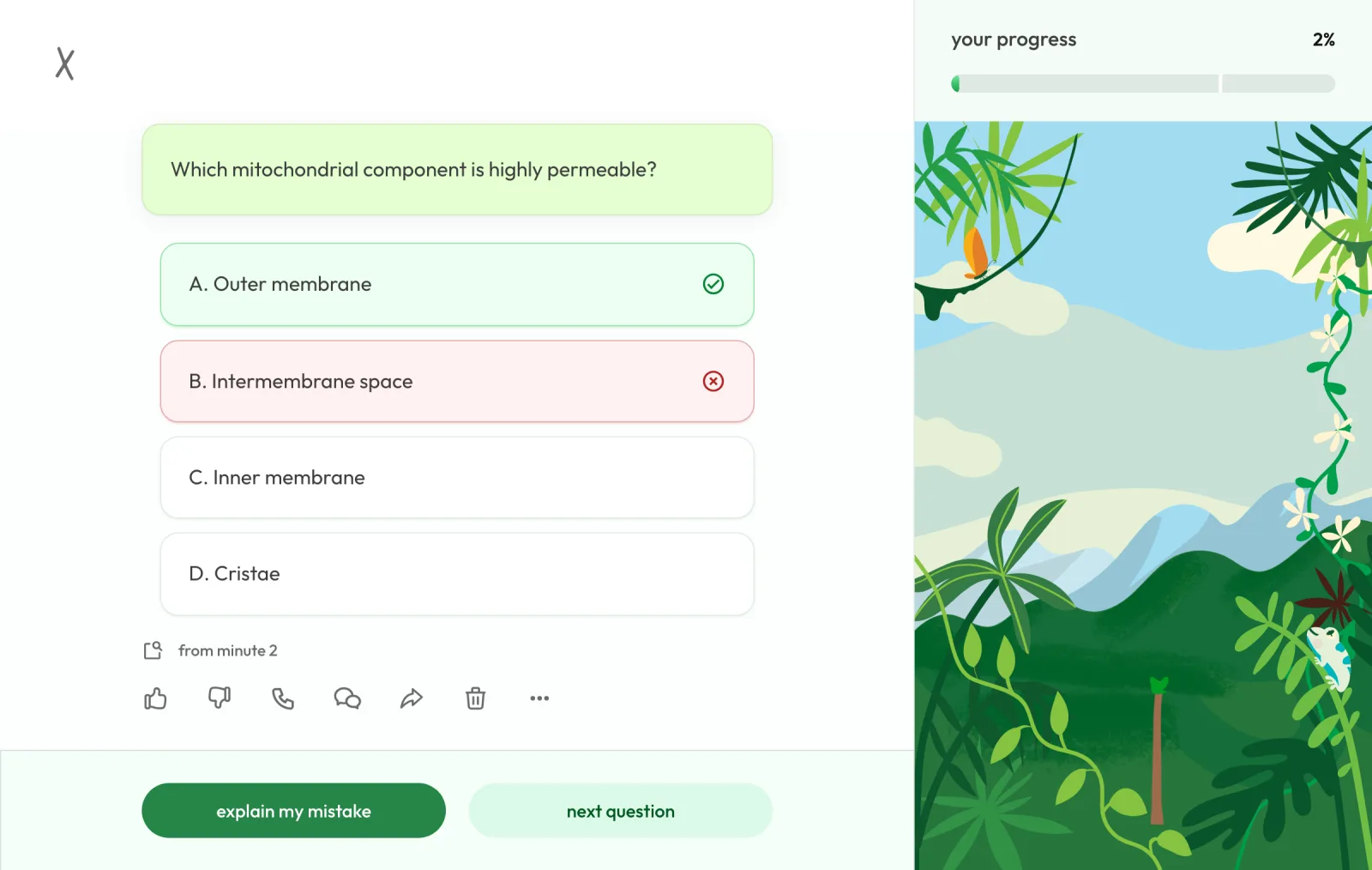
3. Generate the reviewer. Jungle writes the questions with one right answer and wrong choices that sound right, so you can't pass by guessing. It can also turn the same file into study notes with headings and key points, which is the summary part of your reviewer. See how it works for PowerPoint slides and PDFs.
4. Check and edit. Delete any question you don't want, edit the wording or add your own. You can copy or share the notes with classmates.
Jungle has a free plan with new generations every month and no ads; see pricing for what paid plans add.
How to study your reviewer
How you use the reviewer matters more than how pretty it is.
- Answer before you read. Start with the questions, not the summary. Read the summary only for the topics you got wrong.
- Spread it out. Answering the reviewer for 20 minutes on three different days works better than once for an hour the night before. Jungle puts the questions you miss into a daily review until you get them right.
- Ask why. When you miss a question, find out why the right answer is right. In Jungle you can ask for an explanation of any question; the free plan includes a limited number of explanations each hour and paid plans have no limit.
- Say it out loud. Explaining a topic to someone shows the gaps. With Jungle you can talk it through with the monkey voice tutor.
Frequently asked questions
What is a reviewer?
A reviewer is study material made for an exam, usually a summary of the lessons plus practice questions. The word is used mostly in the Philippines.
Is there a free AI reviewer maker?
Yes. Jungle's free plan lets you upload your slides or notes and generate practice questions and notes every month.
Can I make a reviewer from a PowerPoint?
Yes. Upload the .ppt or .pptx file to Jungle and it writes questions from the slides. Google Slides and Keynote presentations work once you download them as PowerPoint or PDF.
What types of questions should a reviewer have?
The types your exam uses. If the exam is multiple choice, practice with multiple choice; if it has essay questions, practice explaining in your own words with free response questions.
How long before the exam should I make my reviewer?
Make it as soon as the lessons are done, at least a few days before the exam, so you have time to answer it more than once.